
Strong IPTV UHD 4K alternative: sport-heavy options with similar picture quality
This page helps UHD/4K sport viewers evaluate an alternative IPTV provider when their previous service becomes unreliable, focusing on picture quality, stability, device support, and practical checks before switching.
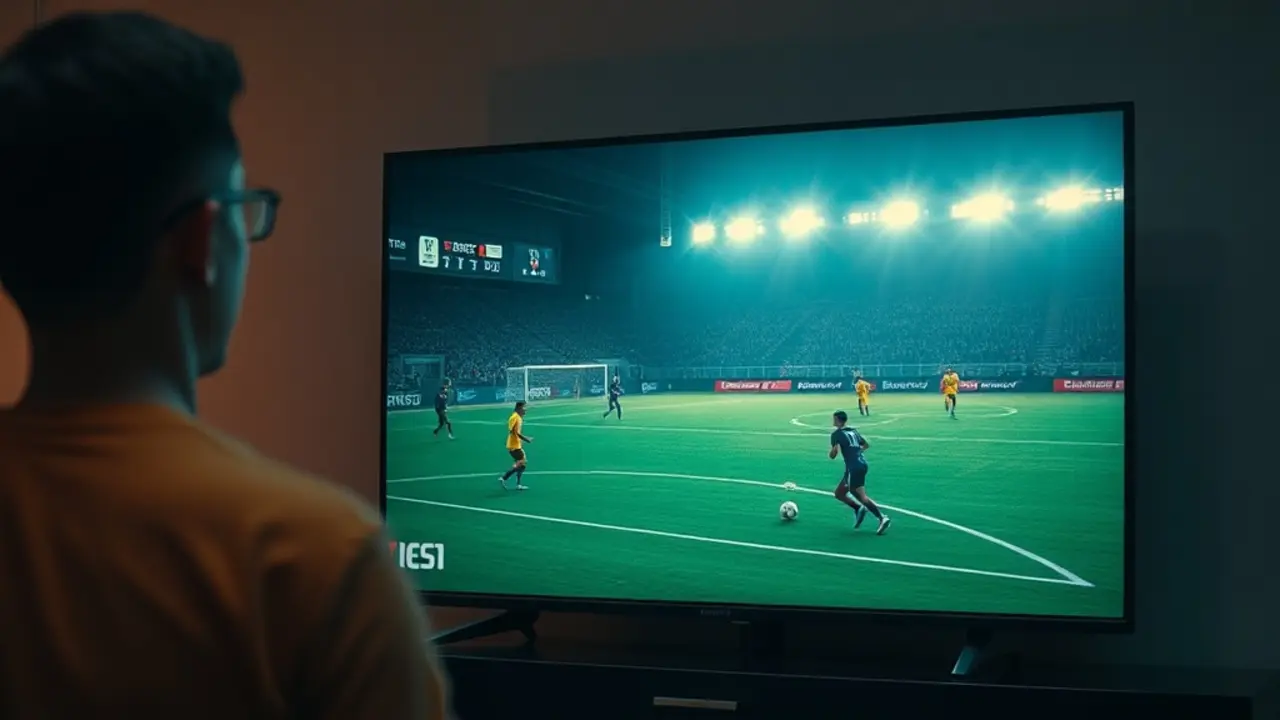
What “UHD/4K quality” really means for live sports
For sports, perceived “4K” is not just resolution. The viewing experience is shaped by bitrate stability, frame cadence, and compression behavior in fast motion (pans, grass texture, crowd detail). A stream labeled 2160p can still look soft if bitrate collapses during peak scenes.
When evaluating a provider, focus on these practical quality markers:
- Motion clarity: fast camera pans should stay sharp without smearing.
- Macroblocking control: watch the pitch/ice during movement; heavy blocks indicate aggressive compression.
- Color stability: look for banding in gradients and “washed” highlights.
- Audio sync: commentary should remain aligned during channel switches and high-load moments.
Also check whether your setup can actually output UHD properly. Many “quality” complaints come from device limits (older TV apps, underpowered sticks, wrong HDMI settings). If you are upgrading providers due to service interruptions, set a baseline: test the same match on the same device, network, and TV picture mode. Only then compare the stream.
With VenneTV, we recommend testing sports channels at your usual match time to see how peak-hour stability and picture consistency behave in real conditions.
How to assess a sport-heavy IPTV provider in 15 minutes
When you are switching because your previous service is down, you need a fast evaluation process. A “sport-heavy” catalog is only useful if the streams hold up when traffic is highest. Use a short, repeatable checklist that emphasizes real match conditions, not a quiet weekday test.
- Peak-time test: try channels during the first 10–15 minutes of a major event window.
- Channel zapping: switch between 6–10 sports channels; note load time and failures.
- Buffering pattern: occasional initial buffering is different from recurring drops every few minutes.
- Resolution verification: confirm what your device reports (where available) instead of relying on labels.
- Second-device cross-check: test on a phone/tablet once to separate app/device issues from stream issues.
For UHD/4K specifically, add two quick visual checks:
- Grass/court texture: the surface should keep detail without turning into noise.
- Scoreboard edges: overlays should look clean, not jagged or shimmering.
VenneTV is designed for broad coverage and day-to-day usability: 7000+ live channels plus a large VOD library with 18000+ movies. If you are a sports-first viewer, the key is verifying that your preferred competitions and language feeds are available and stable at the times you watch.
UHD/4K sports stability: network, devices, and the “bottleneck” you can control
Even the best IPTV catalog cannot compensate for a weak home setup. If you want consistent UHD/4K sports, controlling your bottlenecks is the fastest way to improve picture stability and reduce buffering.
Start with your network:
- Use Ethernet when possible: wired connections reduce jitter and packet loss.
- Wi‑Fi placement: move the router or TV box away from thick walls and interference sources.
- 5 GHz vs 2.4 GHz: 5 GHz is often better for streaming if signal strength is adequate.
- Router load: heavy downloads or cloud backups during matches can cause drops.
Then check device capability:
- Hardware decode: older sticks may struggle with UHD codecs.
- TV settings: confirm the HDMI port supports UHD and the input mode is set correctly.
- App choice: some players handle buffering and sync better than others depending on device.
A common scenario for “UHD looks worse than HD” is unstable throughput. The stream keeps switching quality or rebuffering, which can look like blur and artifacting. Testing with one controlled change at a time (Ethernet first, then device, then player) helps identify what is actually limiting you.
Because VenneTV has been operating since 2018, we can recommend a structured setup test rather than guesswork—especially when you are migrating quickly from a disrupted service.
Channel coverage for sports-first viewers: what to confirm before switching
Sports viewers typically need more than “a lot of channels.” They need the right leagues, event windows, and language options, plus reliable access on matchdays. Before you commit to a new provider, confirm the exact viewing paths you rely on.
Use this pre-switch checklist:
- Your must-have competitions: list the leagues and tournaments you watch weekly.
- Time-zone match windows: ensure coverage during your peak viewing times.
- Language and commentary: verify available audio tracks or regional feeds if that matters to you.
- UHD/4K availability: check which sports channels are offered in UHD/4K and how they perform.
- Backups: see if there are alternative channels/feeds for the same event when one source is busy.
Also consider usability: a clean EPG (where supported), logical sports categories, and consistent channel naming reduce frustration when you are switching quickly between matches.
VenneTV is built for breadth: 7000+ live channels and a large on-demand catalog. For sports-first users coming from an interrupted service, the key is confirming that the channels you actually use are present and stable—especially during busy weekends—rather than choosing based on a generic “4K” promise.
A practical migration plan when your previous IPTV service is interrupted
If you are moving because your prior service is currently unreliable, switching smoothly matters as much as choosing the right provider. A short migration plan prevents common issues like wrong playlist format, app mismatch, or device limits being mistaken for “provider quality.”
We recommend this step-by-step approach:
- Document your setup: device model, app/player, network type (Wi‑Fi/Ethernet), and TV model.
- Start with one device: validate picture quality and stability before adding more screens.
- Test your core sports routine: your top channels + match-time usage, not random browsing.
- Verify UHD output: confirm your TV input and device settings are set for UHD/4K.
- Keep a fallback device: a phone/tablet test helps isolate local issues quickly.
Once your primary viewing path is stable, add secondary devices and refine player settings (buffer size, decoding options) only if needed. Avoid changing multiple variables at once.
VenneTV supports a straightforward onboarding path and is operated with long-term continuity since 2018. If your current service interruption has you looking for a sport-focused, UHD/4K-capable alternative, a structured test will give you clarity within a single evening—without relying on assumptions.